
PianoVision Review: Can VR Actually Teach You Piano?
This innovative app designed for the Meta Quest 3 takes piano learning to new heights through mixed reality technology.
I'll be honest, when I first heard about learning piano in VR, I thought it sounded gimmicky. Another tech solution to something that doesn't really need fixing, right?
But after spending a few weeks with PianoVision on my Quest 3, I've changed my tune (pun intended).
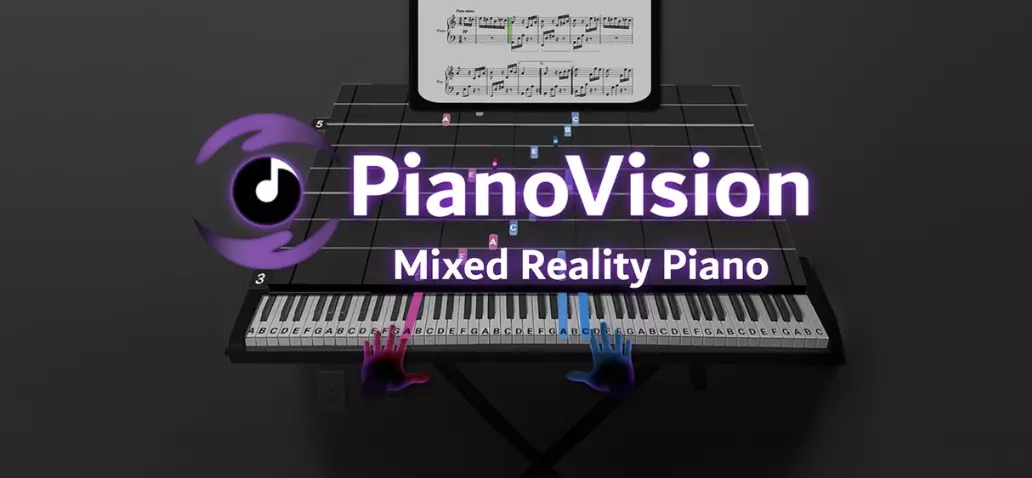
PianoVision is a mixed reality app that projects falling notes onto your piano keyboard, whether that's a real MIDI keyboard, an acoustic piano, or just your hands in the air.
Think Guitar Hero, but you're actually learning to play an instrument. The app costs just $10, works on Meta Quest headsets, and promises to make piano practice feel more like gaming than homework.
But can it really teach you piano? Or is this just an expensive way to memorize some songs? Let's break it down.
What Is PianoVision and How Does It Work?
PianoVision runs exclusively on Meta Quest headsets (Quest 2, Quest 3, or Quest Pro). Developer Zac Reid created it to solve a problem many of us face: traditional piano practice can feel tedious, especially when you're just starting out.
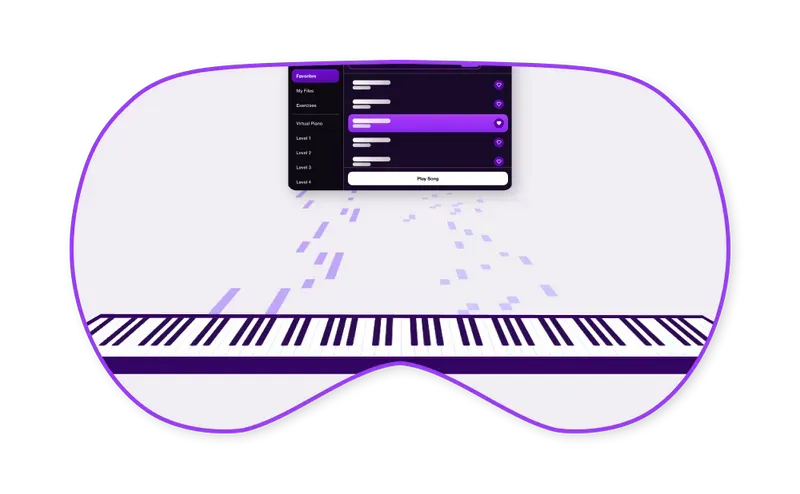
Using your headset's passthrough cameras, the app overlays your view of the real world with colorful notes that cascade down toward the correct piano keys. Each note is perfectly timed to arrive at your keyboard exactly when you need to play it. If you've ever played Rock Band or Dance Dance Revolution, you'll immediately get the concept.
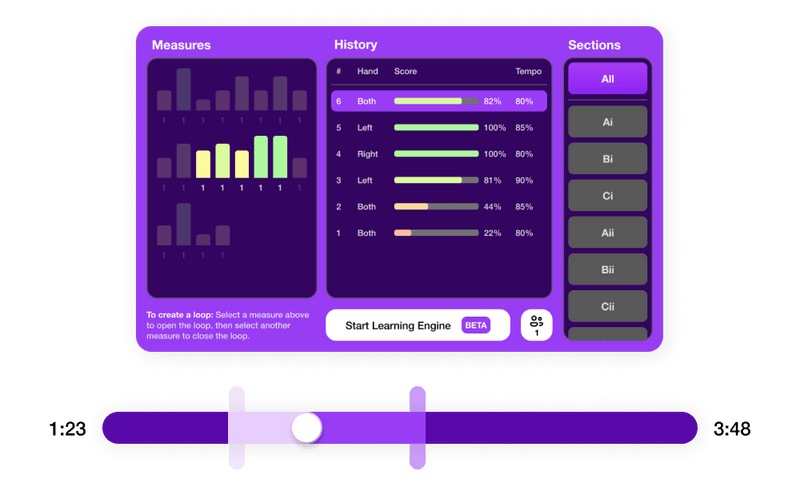
What makes PianoVision clever is its "Memory Engine." As you successfully play through a song multiple times, the app gradually fades out some of the visual cues. This forces you to rely more on muscle memory and less on following colored lights. So you're not just becoming a human jukebox, you're actually learning the songs.
The app also includes Ludwig AI, which acts as your virtual piano instructor. Ludwig can answer questions about technique, explain music theory concepts, and provide practice suggestions. While it can't physically correct your posture or hand position, it's surprisingly helpful for understanding what you're doing and why.
Three Different Ways to Play
PianoVision gives you flexibility in how you want to practice. Each method has its pros and cons:
Virtual Keyboard (Hand Tracking)
This is the most accessible option because you don't need any equipment beyond your Quest headset. The app creates a completely digital piano in your VR space, and you play it using hand tracking.
It's perfect for absolute beginners who want to test the waters before investing in a physical keyboard. You'll learn where notes are positioned and get comfortable with basic finger movements. However, the hand tracking isn't perfect—it can miss inputs or register ghost notes, especially in challenging lighting. There's also zero tactile feedback, which makes it harder to develop proper finger strength and technique. Extended sessions get tiring because you're holding your hands in the air the whole time.
MIDI Keyboard Connection (The Sweet Spot)
This is hands-down the best way to use PianoVision. Connect any MIDI keyboard to your Quest via USB-C cable (or use the companion desktop app for wireless connection), and you get perfect note detection combined with real tactile feedback.
You're developing actual piano technique because you're pressing real keys with proper resistance. The app supports velocity sensitivity, so you can work on dynamics even though the game doesn't explicitly teach it. Compatible keyboards range from $50 budget MIDI controllers with 25 keys all the way up to full 88-key digital pianos.
If you're serious about learning piano, this is the setup I'd recommend. Yeah, it costs extra, but you can find decent MIDI keyboards for under $100, and you're building real skills you can transfer to any piano.
Acoustic Piano with Passthrough
Already own an acoustic piano? You can use PianoVision's mixed reality overlay to project the falling notes directly onto your real keys. The catch is that without MIDI connectivity, the app can't detect what you're playing, so there's no feedback or progress tracking.

This mode essentially turns PianoVision into fancy animated sheet music. It's useful for practicing songs you've already learned or for supplementing traditional lessons, but you lose all the gamification and feedback features that make the app special.
How Much Does PianoVision Cost?
Here's where PianoVision really shines: the app itself costs just $10 for the Basic version. That's a one-time purchase, not a subscription. You get over 1,000 public domain classical pieces, full access to all learning features, MIDI keyboard support, and the ability to upload custom songs.
There's also PianoVision Plus, which unlocks over 10,000 licensed songs including pop hits, movie themes, rock classics, and video game music. The Plus subscription pricing hasn't been finalized yet, but it's expected to follow a monthly or annual model.
Now for the reality check: while the app is incredibly cheap, you need a Meta Quest headset to run it. That's $299 for the Quest 3S, $499 for the Quest 3, or potentially less if you find a used Quest 2. So the total entry cost is significant unless you already own VR hardware.
Compare this to Simply Piano at $180 per year or Flowkey at $120 per year, both require no special hardware, just your phone or tablet. But if you're already in the Quest ecosystem, PianoVision is an absolute steal.
The Big Question: Will You Actually Learn Piano?
This is what everyone wants to know, and the answer is: yes, but with some important caveats.
PianoVision excels at teaching note recognition, building muscle memory, and developing rhythm. You will learn to play songs, potentially dozens or even hundreds of them if you stick with it. The gamified approach makes daily practice something you actually want to do instead of something you force yourself through.
I've seen Reddit threads from users who started as complete beginners and were playing recognizable pieces within weeks.
The Memory Engine really does work, it gradually removes the training wheels so you're genuinely memorizing the music, not just following lights indefinitely.

But, and this is a big but, PianoVision has clear limitations. It can't teach proper technique. It can't correct your hand position, wrist angle, or sitting posture. If you develop bad habits (and beginners often do), the app won't catch them. This can lead to tension, discomfort, or technical limitations down the road.
The app also doesn't systematically teach music theory. You'll learn to play songs without necessarily understanding scales, chord progressions, or key signatures. And while the game focuses on hitting the right notes at the right time, it doesn't emphasize the expressive elements that make piano playing beautiful; dynamics, phrasing, pedaling.
The consensus from music educators is that PianoVision works best as a supplementary tool, not a complete replacement for formal instruction. Use it for engaging daily practice and repertoire building, but pair it with occasional lessons from a human teacher who can ensure you're developing proper technique.
PianoVision vs. Other Piano Apps
How does PianoVision stack up against established competitors? Here's a quick comparison:
|
Feature |
PianoVision |
Simply
Piano |
Flowkey |
|
Price |
$10 one-time |
$180/year |
$120/year |
|
Learning Method |
Gamified VR |
Structured course |
Video tutorials |
|
Song Library |
1,000-10,000+ |
5,000+ |
1,500+ |
|
Theory Lessons |
AI Q&A only |
Structured course |
Limited |
|
Hardware Required |
Meta Quest |
Phone/tablet |
Computer/tablet |
PianoVision wins on price and engagement. Simply Piano and Flowkey win on comprehensive instruction and music theory. Choose based on whether you prioritize fun and affordability (PianoVision) or structured, traditional learning (the others).
Who Should Buy PianoVision?
You'll love this if you:
• Already own a Meta Quest headset (seriously, just buy it)
• Get bored with traditional practice methods
• Want to test if piano is for you before investing in expensive lessons
• Need a fun way to practice alongside formal piano lessons
• Love rhythm games and achievement systems
Skip it if you:
• Don't have VR gear and aren't planning to buy it
• Need formal training for auditions or professional goals
• Prioritize music theory as much as playing ability
• Have physical limitations that make extended VR use uncomfortable
Final Verdict
For Quest owners, PianoVision is easily worth ten bucks. It genuinely makes piano practice fun, and you will learn to play songs. The gamification works without feeling gimmicky, and the Memory Engine ensures you're building real skills instead of just following lights forever.
The catch is understanding what you're getting. This isn't a complete piano education, it's a practice tool and motivator. Think of it as your daily workout routine, while occasional lessons with a real teacher are your form check and technique coaching.
The ideal setup? Use PianoVision with a MIDI keyboard for daily practice (because you'll actually want to do it), and supplement with occasional lessons from a human teacher to ensure proper technique. That combination gets you the motivation of gaming with the fundamentals of proper piano education.
If you're buying a Quest specifically for piano learning, think hard about whether the $300+ headset investment makes sense. But if you've already got one sitting around? Download PianoVision tonight. Worst case, you're out ten dollars. Best case, you discover a new passion and finally learn that song you've always wanted to play.


Comments ()